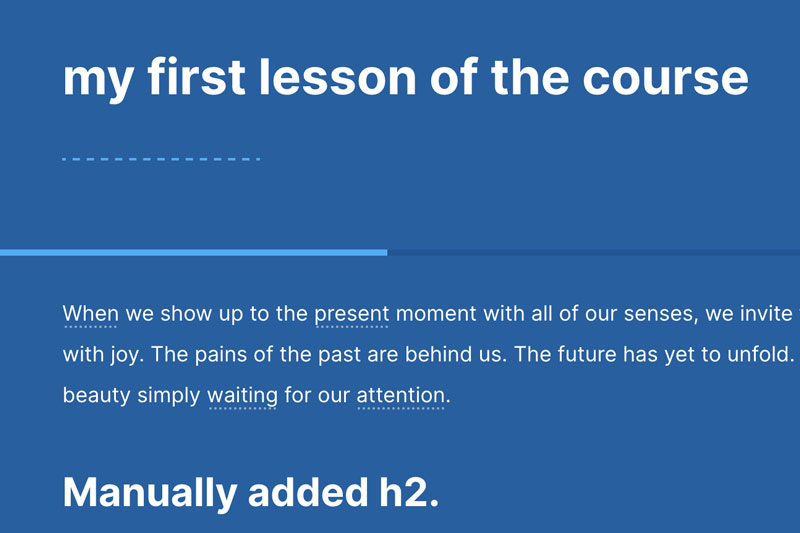
This CSS restyles the lesson progress bar, increasing it’s height (so users can see it) and also add a secondary color, as it can be difficult to see against your theme color.
:root {

    --color-alt1:#50adf1;
    --color-theme-darker:#00000017;

}

#app .progress__container {
  background-color: var(--color-theme-darker);
}

/* this is the light gray line below header */
#app .page__header::after {
  background-color: transparent;
}


/* this resets the height and colors of lesson progress bar */
#app .progress-wrap {
  height: 5px;
  background: var(--color-theme);
  display: block;
  width: 100%;
  overflow:hidden;
  z-index:999;
}

#app .progress__indicator.brand--background {
  background: var(--color-alt1) !important;
  height: 5px;
}


/* this hides the progress bar when complete */
#app .progress-wrap:has(div.progress__indicator[style="transform: translate3d(calc(100% * var(--dir-x)),0px,0px);"]) {
  display: none;
}